What File Formats Work Best for DTF Transfers?
Choosing the right file format is crucial for high-quality DTF transfers. Learn which formats (vector and raster) ensure vibrant, durable prints every time.
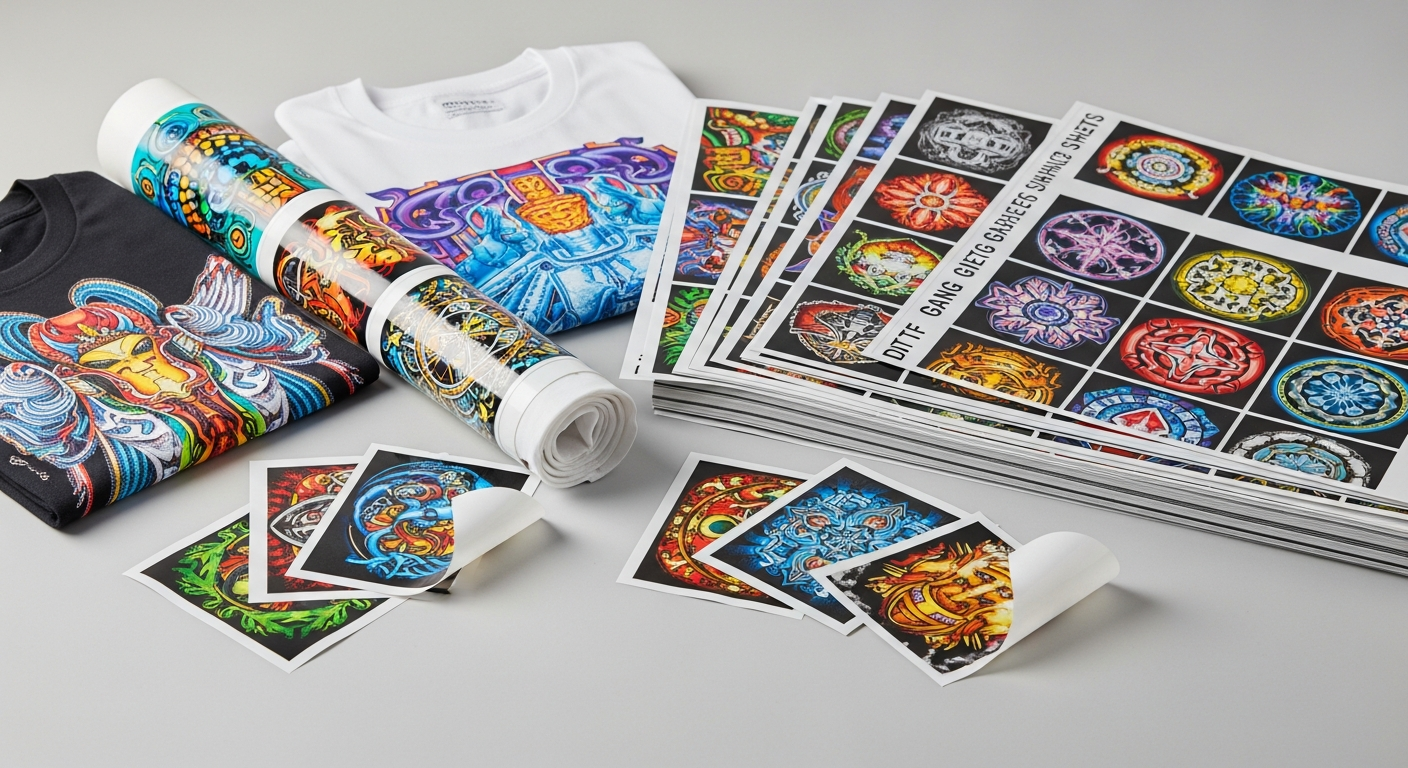
# What File Formats Work Best for DTF Transfers?When diving into the world of custom apparel and promotional items, Direct-to-Film (DTF) transfers have emerged as a game-changer. Offering vibrant colors, incredible detail, and impressive durability, DTF technology allows you to transfer almost any design onto a wide array of fabrics. But achieving these stunning results hinges significantly on one crucial factor: the quality and format of your design file.At Flash Custom Transfers, located near Houston in Cypress, TX, we understand that getting your design just right is key to a perfect transfer. That's why we're here to guide you through the best file formats for DTF transfers, ensuring your vision comes to life flawlessly. We offer FREE shipping on all orders with no minimum, making high-quality custom transfers accessible to everyone!## Understanding DTF Printing BasicsBefore we delve into file formats, let's quickly recap what makes DTF printing so special. DTF technology involves printing your design onto a special film, then applying an adhesive powder, and finally curing it. This transfer is then heat-pressed onto your garment, resulting in a soft, stretchable, and durable print.Unlike traditional screen printing, DTF doesn't require screens for each color, making it ideal for multi-color and intricate designs. However, the print head is incredibly precise, meaning it will faithfully reproduce whatever it sees in your digital file – good or bad. This